Presentation guide at Association conferences
Attending and presenting at a conference can feel exciting, but also overwhelming, especially when it is your first time or expectations are unclear. This guide is designed to explain the process in a straightforward, supportive way, helping all participants feel more prepared for the conference.
How presentation selection works
After submission, all abstracts are reviewed and scored. Based on these scores:
- The highest-scoring abstracts in each category are invited to give an oral presentation
- The next highest-scoring abstracts are typically invited to give a poster presentation
- If an abstract is not selected for a scheduled presentation, contributors are still encouraged to display a poster during the event and have the opportunity to take part in an informal discussion session
This means there are multiple ways to share your work with your peers.
What to expect from an oral presentation
Oral presentations are delivered to an audience which can vary in size dependent on the location. These may take place in a variety of settings, including a main stage, a conference room, or a theatre space within the exhibition hall.
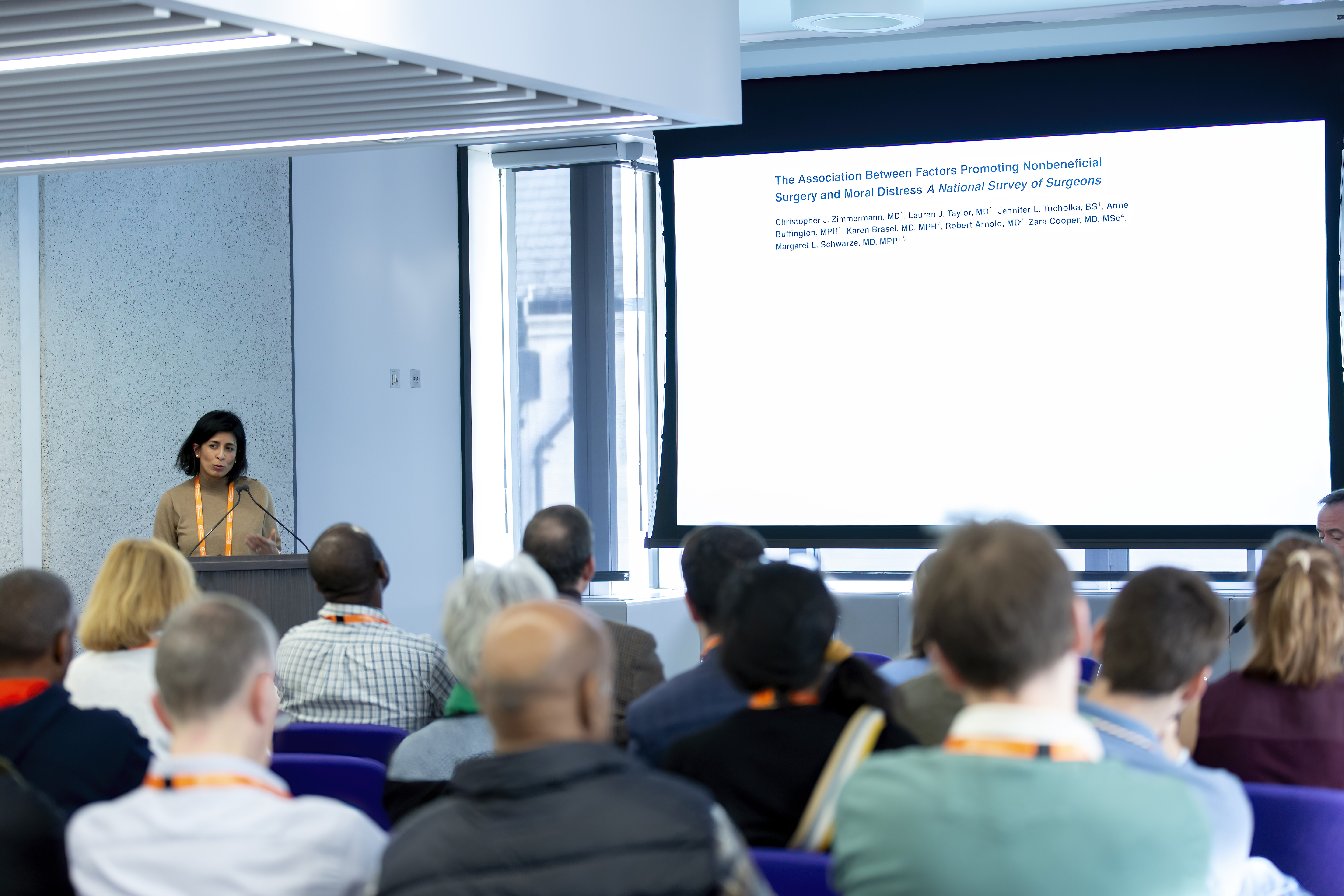
Presenters are supported with:
- Slides are pre-loaded onto the presentation system
- A clicker or mouse is provided to move through slides
Depending on the location:
- On the main stage, you will usually stand behind a lectern with a fixed microphone
- In a conference room, you will stand at the front, sometimes with or without a microphone depending on the size of the room
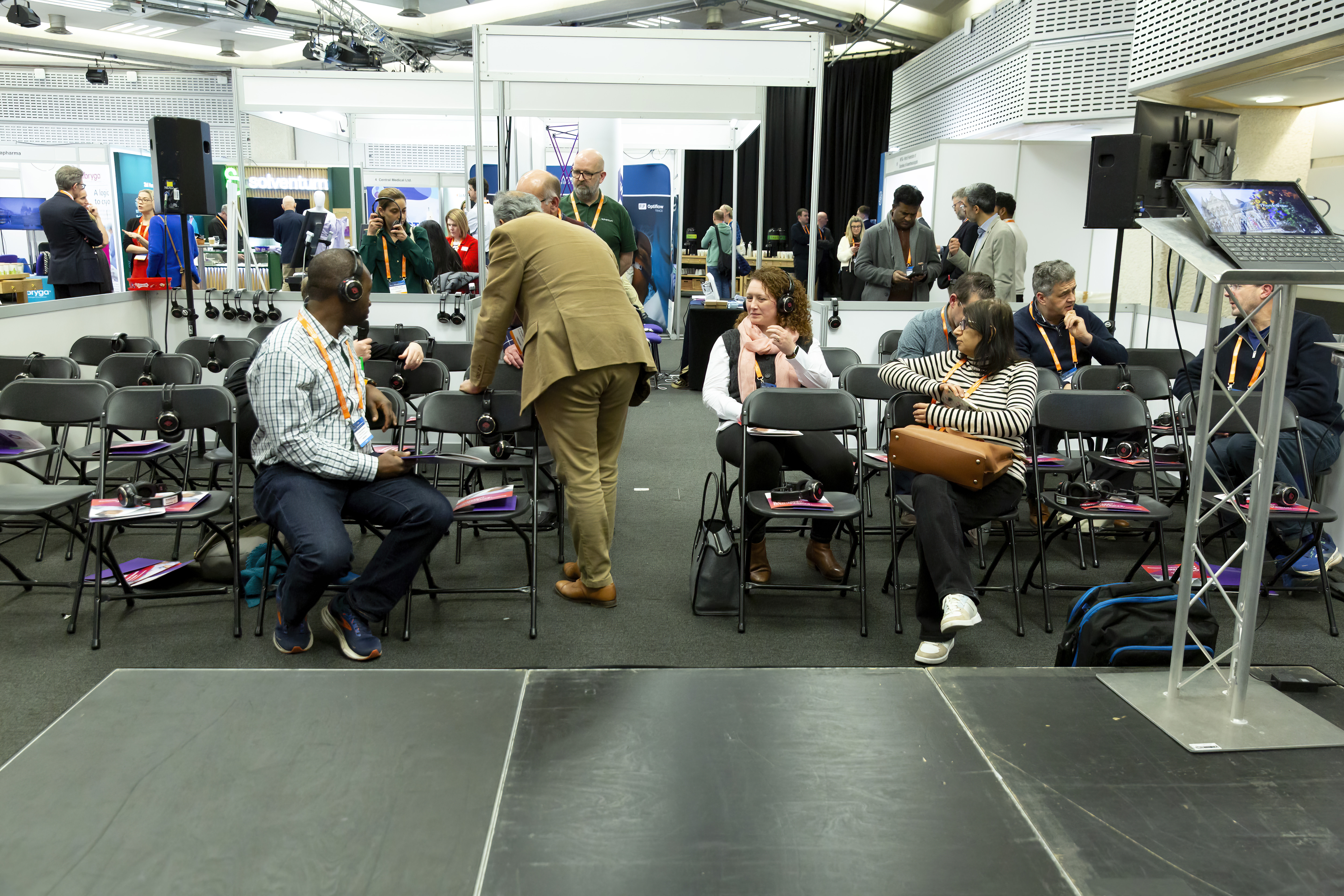
In the Exhibition hall theatre, the environment may be busier or noisier. To help with this:
- Wireless headsets are provided for you and the audience
- A portable microphone is used for questions
Importantly, presenters have flexibility:
- If wireless headsets are provided, you do not have to wear a headset while presenting if it feels uncomfortable, or distracting, however we do recommend wearing one during the question session at the end of your presentation can make it easier to hear
Each presentation is carefully timed:
- 5 minutes to present
- 2 minutes for questions
Questions may come from the session chair, judges, or audience members. It is perfectly acceptable to pause, take a moment to think, or ask for a question to be repeated.
What to expect from a poster presentation
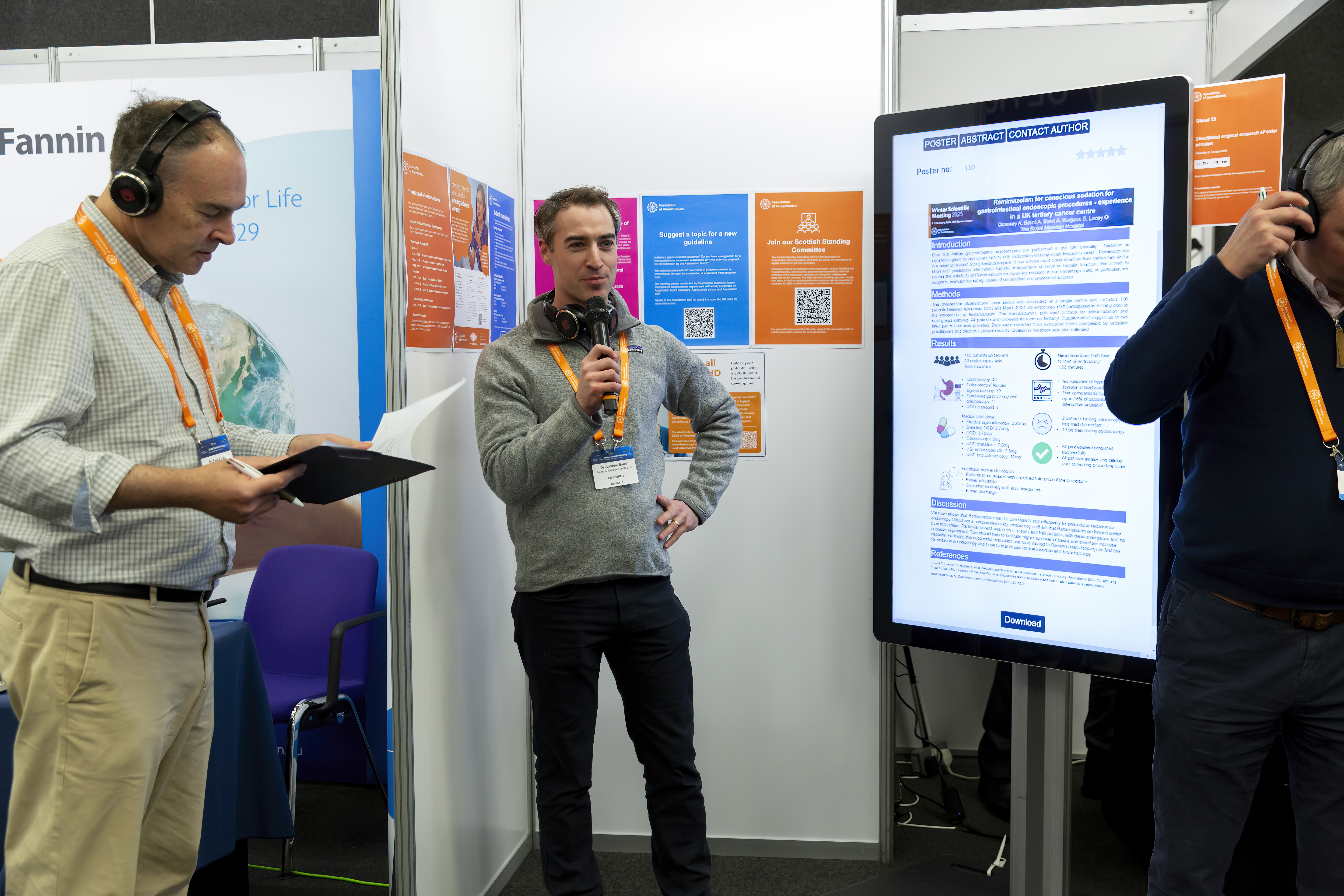
Poster presentations typically take place in the Exhibition hall using digital ePoster screens. Presenters are organised into small groups, usually with up to 10 posters per session. Delegates are welcomed to attend these sessions, and audience size is normally no larger than 20 members.
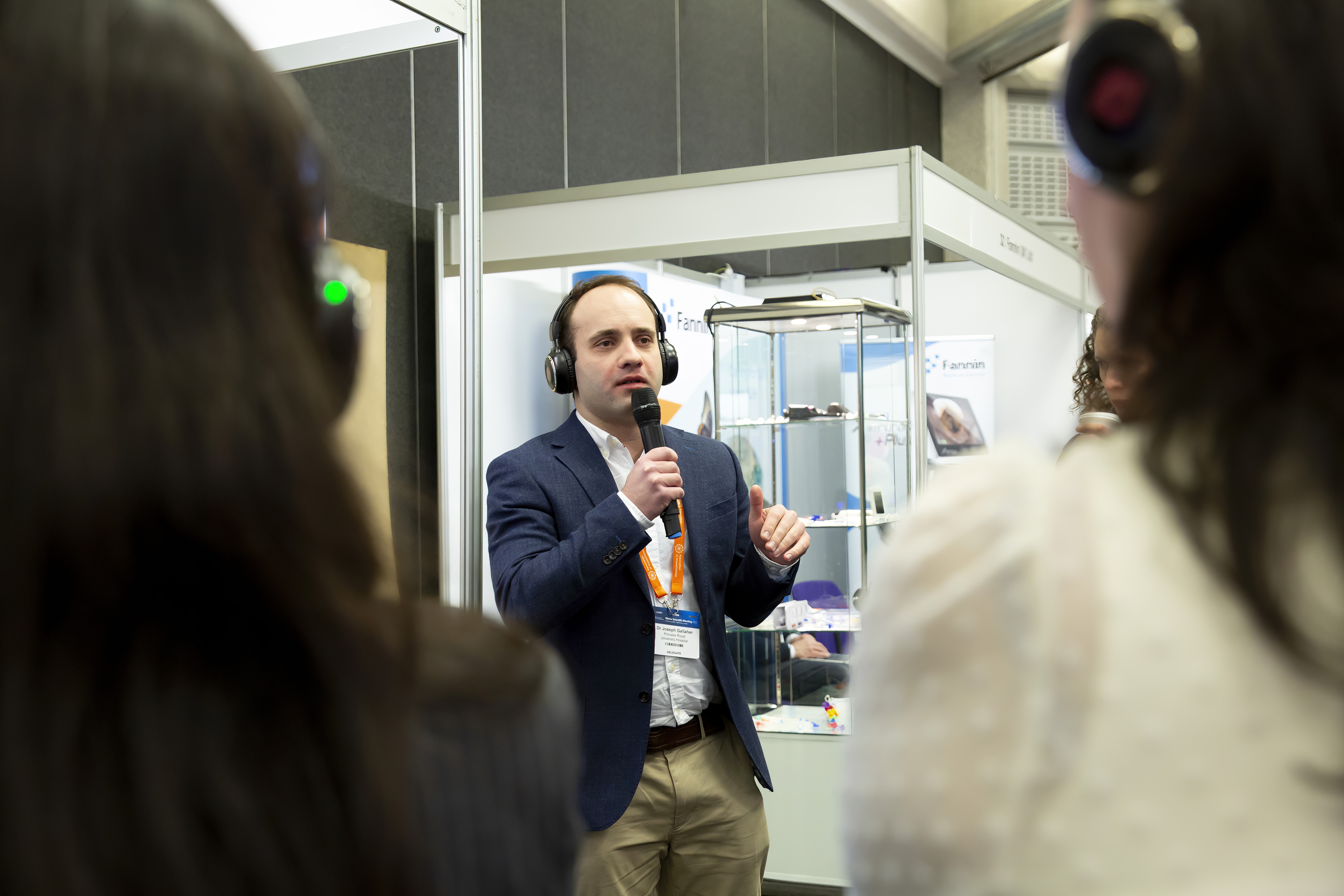
Each session includes:
- A facilitator (chair)
- Two judges
- Other presenters and attendees
Presenters are supported with:
- ePoster are pre-loaded on the digital ePoster screen

In the Exhibition hall the environment may be busier or noisier. To help with this:
- Handheld microphones are provided which should be used when presenting
- Either wireless or wired headsets will be provided to all those attending
Again, you have choice:
- You do not have to wear a headset while presenting. However, wearing one during questions may help you hear more clearly
Creating a supportive experience
Please let the team know if you require support or adjustments in advance of your presentation. You are welcome to test the wireless headsets or microphones at a time when the area is quiet. This will allow you to get an understanding of the equipment and prepare for your presentation.
Presentations are generally scheduled alphabetically by the submitting author’s name. We understand that timing can be important, so we’ll consider requests to move your presentation earlier or later in the session on a case-by-case basis. While we may not be able to fulfil every request, we will do our best to support your needs.